Mixed Reality Toolkit for Unity

MRTK3 is the third generation of the Mixed Reality Toolkit for Unity. It’s an open source project designed to accelerate cross-platform mixed reality development in Unity. MRTK3 is built on top of Unity’s XR Interaction Toolkit (XRI) and OpenXR. This new generation of MRTK is intended to be faster, cleaner, and more modular, with an easier cross-platform development workflow enabled by OpenXR and the Unity Input System.
Mixed Reality Toolkit Organization maintains MRTK3, released MRTK3 for general availability (GA), and will announce future releases.
Key improvements
Architecture
- Built on Unity XR Interaction Toolkit and the Unity Input System.
- Dedicated to OpenXR, with flexibility for other XRSDK backends.
- Open-ended and extensible interaction paradigms across devices, platforms, and applications.
Performance
- Rewrote and redesigned most features and systems, from UX to input to subsystems.
- Zero per-frame memory allocation.
- Tuned for maximum performance on mixed reality devices and other resource-constrained mobile platforms.
User Interface
- New interaction models (gaze-pinch indirect manipulation).
- Updated Mixed Reality Design Language.
- Unity Canvas + 3D UX: production-grade dynamic auto-layout.
- Unified 2D & 3D input for gamepad, mouse, and accessibility support.
- Data binding for branding, theming, dynamic data, and complex lists.
Long Term Support
- Minimum requirements: OpenXR, Unity 2022.3 LTS, Unity’s XR Interaction Toolkit 3.0.
Packages
| Name | Package | Changelog |
|---|---|---|
| Audio Effects | org.mixedrealitytoolkit.audio | Changelog |
| Core Definitions | org.mixedrealitytoolkit.core | Changelog |
| Diagnostics | org.mixedrealitytoolkit.diagnostics | Changelog |
| Extended Assets | org.mixedrealitytoolkit.extendedassets | Changelog |
| Input | org.mixedrealitytoolkit.input | Changelog |
| Spatial Manipulation | org.mixedrealitytoolkit.spatialmanipulation | Changelog |
| Standard Assets | org.mixedrealitytoolkit.standardassets | Changelog |
| Tools | org.mixedrealitytoolkit.tools | Changelog |
| UX Components | org.mixedrealitytoolkit.uxcomponents | Changelog |
| UX Components (Non-Canvas) | org.mixedrealitytoolkit.uxcomponents.noncanvas | Changelog |
| Windows Speech | org.mixedrealitytoolkit.windowsspeech | Changelog |
Early preview packages
Some parts of MRTK3 are at earlier stages of the development process than others. Early preview packages can be identified in the Mixed Reality Feature Tool and Unity Package Manager by the Early Preview designation in their names.
The following components are considered to be in early preview.
| Name | Package | Changelog |
|---|---|---|
| Accessibility | org.mixedrealitytoolkit.accessibility | Changelog |
It is important to note that the packages may not contain the complete feature set that is planned to be released or they may undergo major, breaking architectural changes before release.
We encourage you to provide any and all feedback to help shape the final form of these early preview features.
Getting started
Follow the documentation for setting up MRTK3 packages as dependencies in your project here. Alternatively, you can clone this repo directly to experiment with our template project. However, we strongly recommend adding MRTK3 packages as dependencies through the Feature Tool, as it makes updating, managing, and consuming MRTK3 packages far easier and less error-prone.
Supported devices
| Platform | Supported Devices |
|---|---|
| OpenXR devices | Android XR Microsoft HoloLens 2 Meta Quest Magic Leap 2 Lenovo ThinkReality A3 (with Qualcomm Snapdragon Spaces) Windows Mixed Reality (experimental) SteamVR (experimental) Varjo XR-3 (experimental) If your OpenXR device already works with MRTK3, let us know! |
| Windows | Traditional flat-screen desktop (experimental) |
UX building blocks
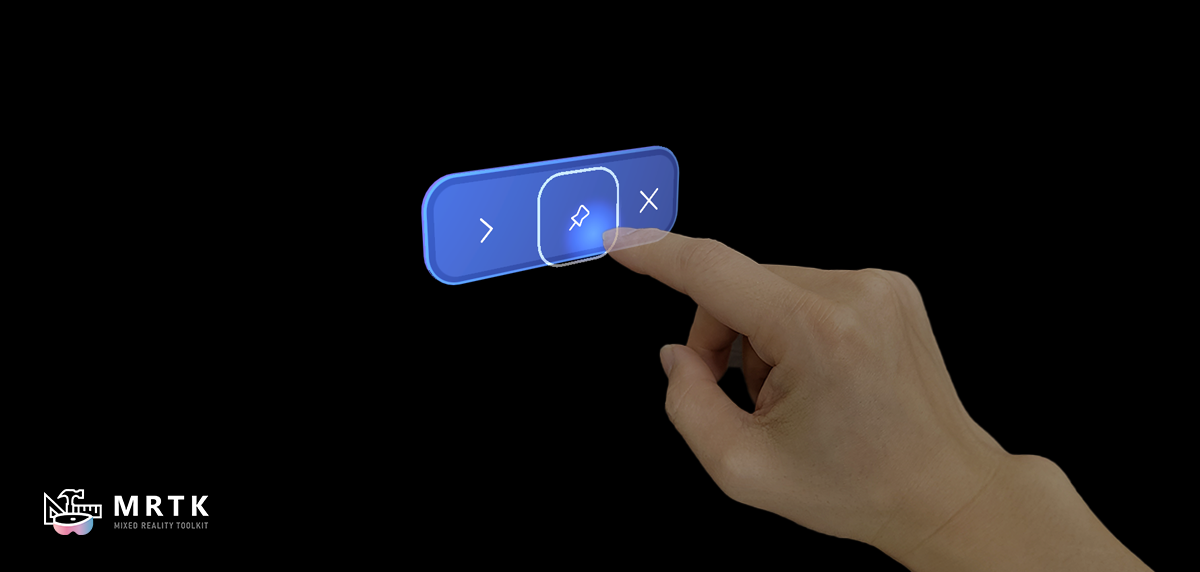 Button A volumetric button optimized for a wide range of input modalities, including poking, gaze-pinch, ray interactions, mouse click, and gamepad. | 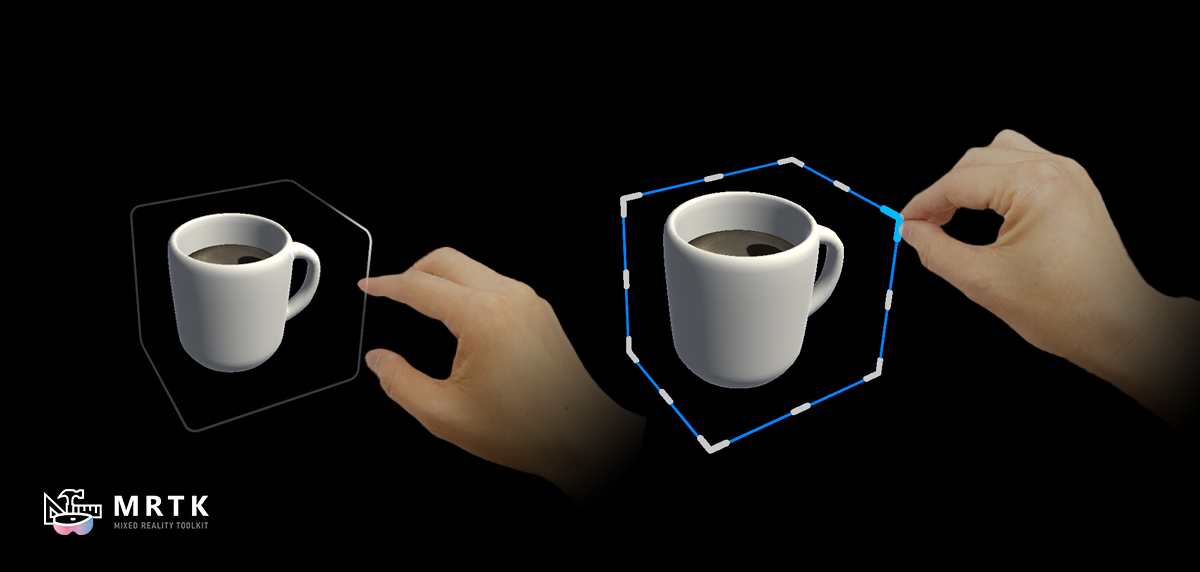 Bounds Control Intent feedback and precision manipulation affordances. |  Object Manipulator Move and manipulate objects with one or two hands with a wide variety of input modalities. |
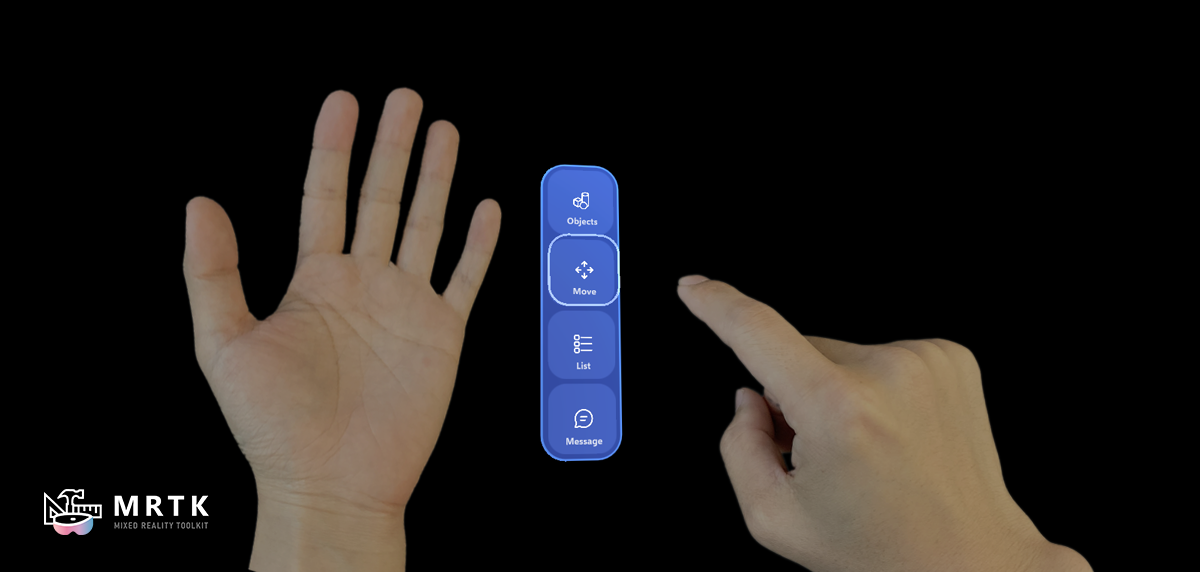 Hand Menu A hand-anchored collection of UX controls for easy access to quick actions. | 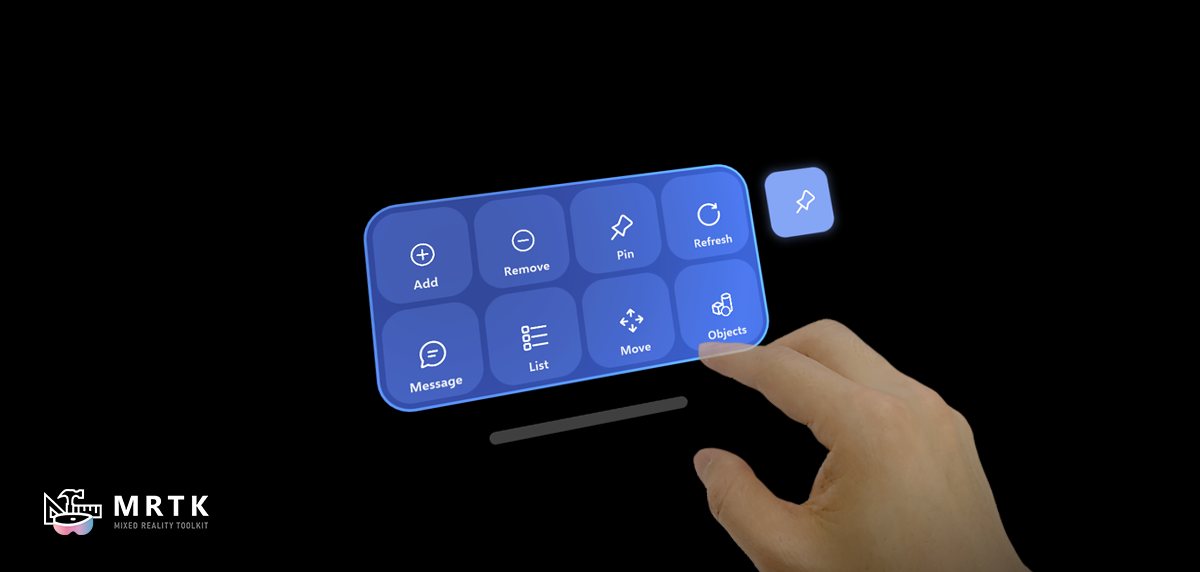 Near Menu Collection of UX controls that can be manipulated, pinned, and set to follow the user. | 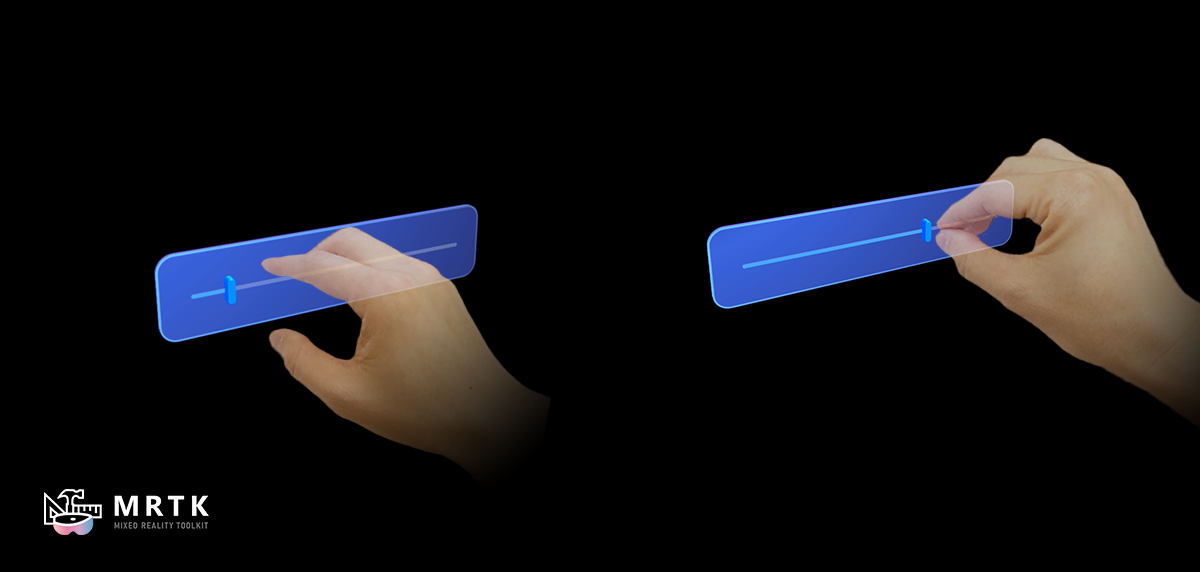 Slider Adjust a value along a one-dimensional axis. |
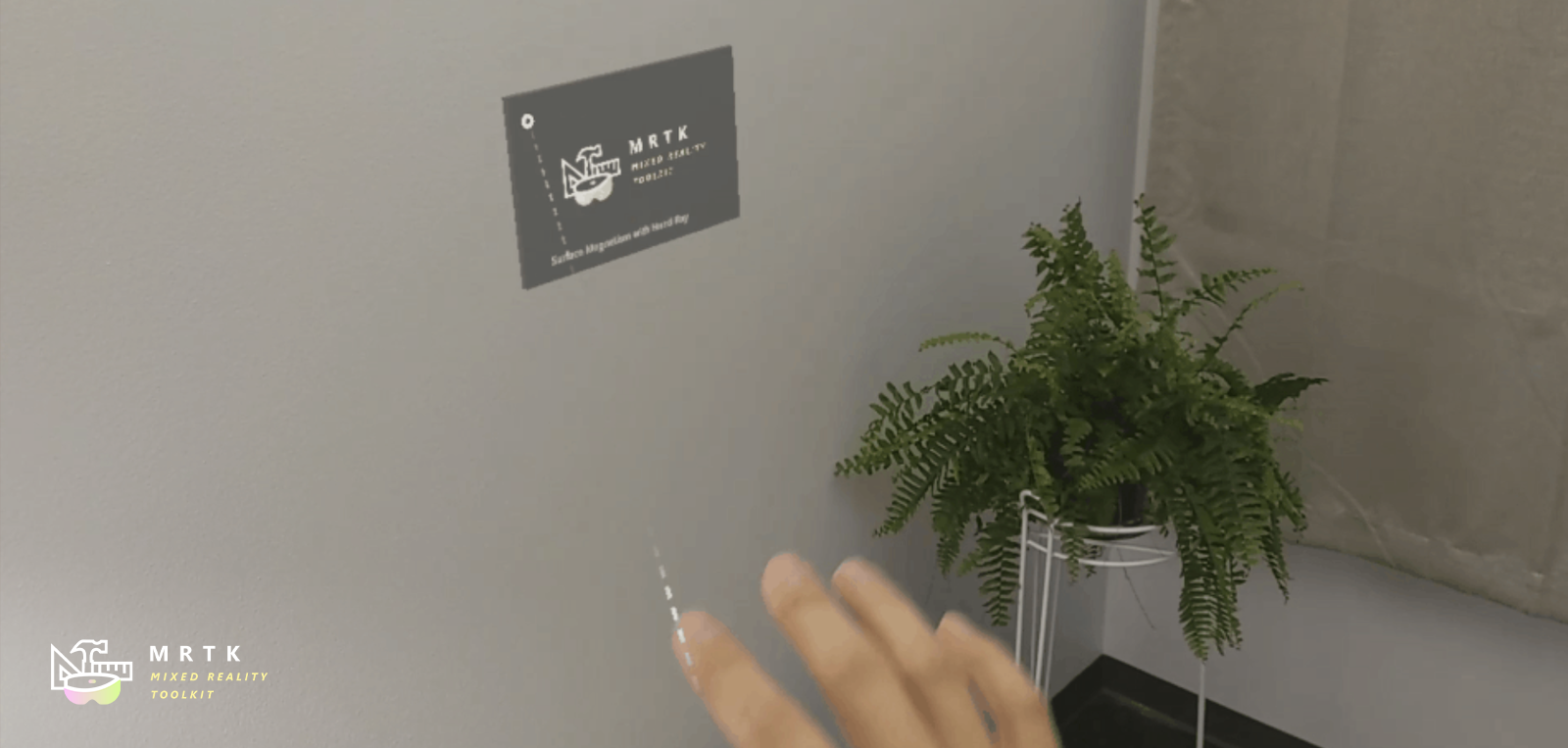 Solver Various object positioning behaviors such as tag-along, body-lock, constant view size and surface magnetism. | 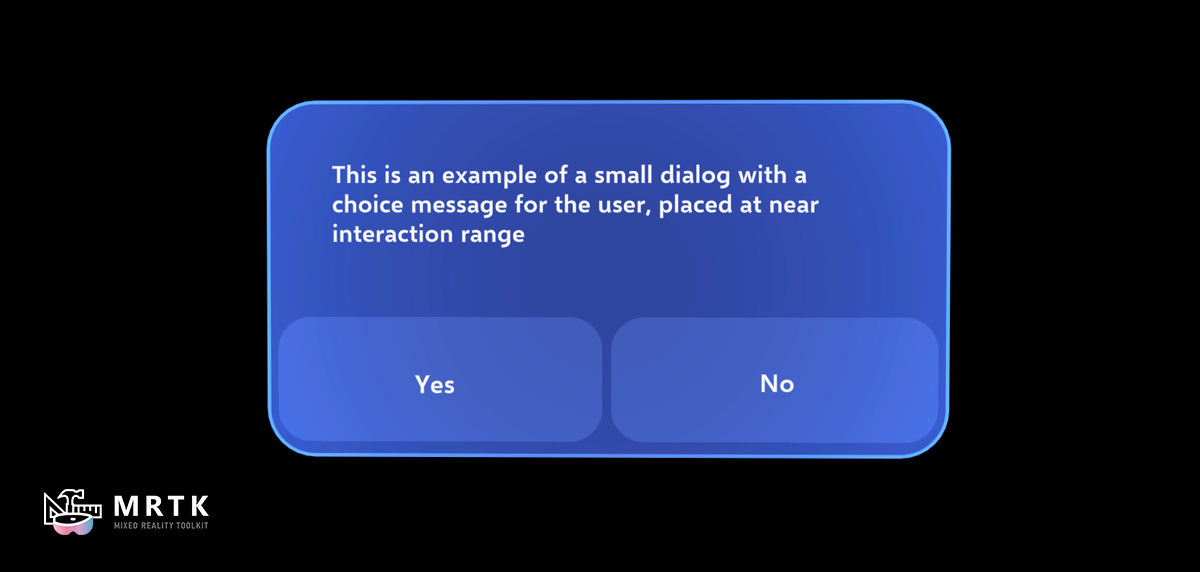 Dialog Prompt for user action. | 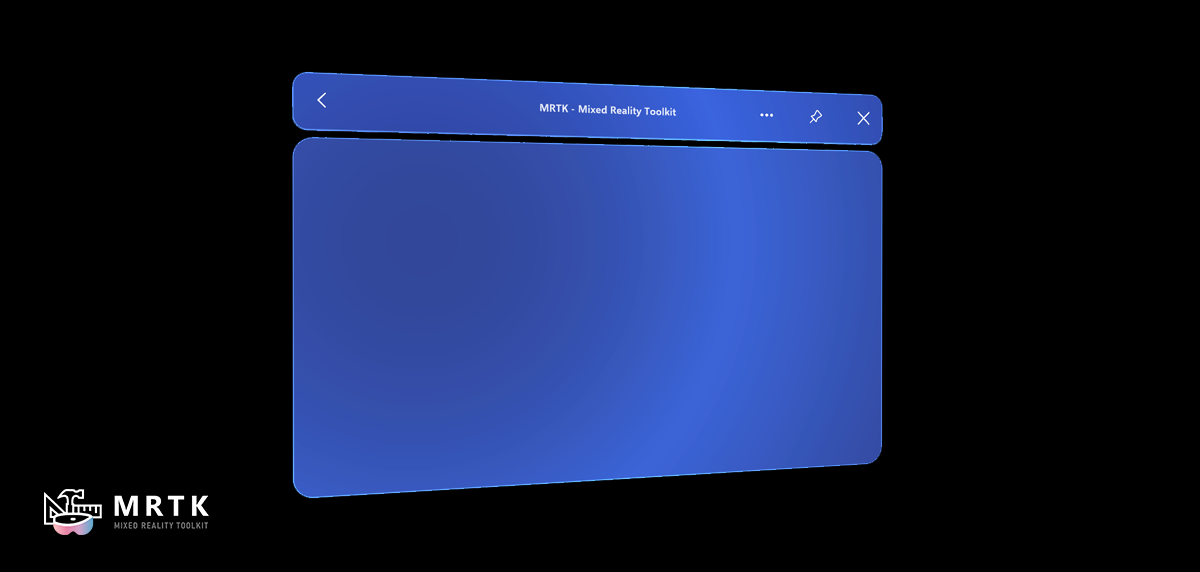 Slate A flat panel for displaying large-format interfaces and content. |
Figma Toolkit for MRTK3 Preview
The prerelease of Figma Toolkit for MRTK3 includes UI components based on Microsoft’s new Mixed Reality Design Language introduced in MRTK3. You can use the 2D representations of the components in the design process for creating UI layouts and storyboards.
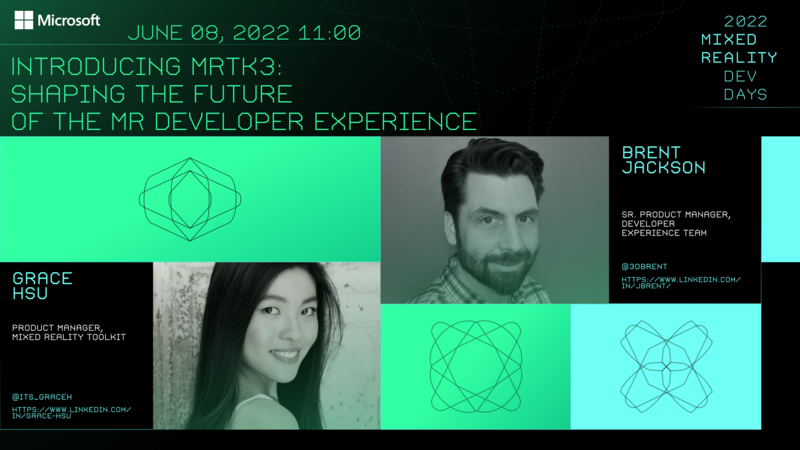
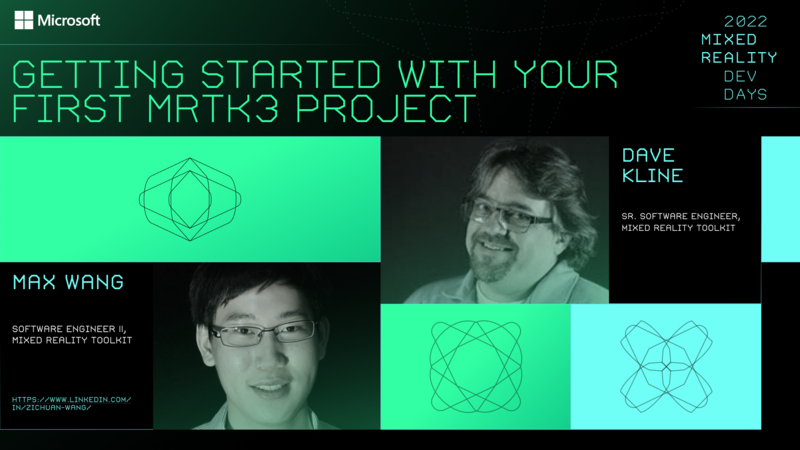
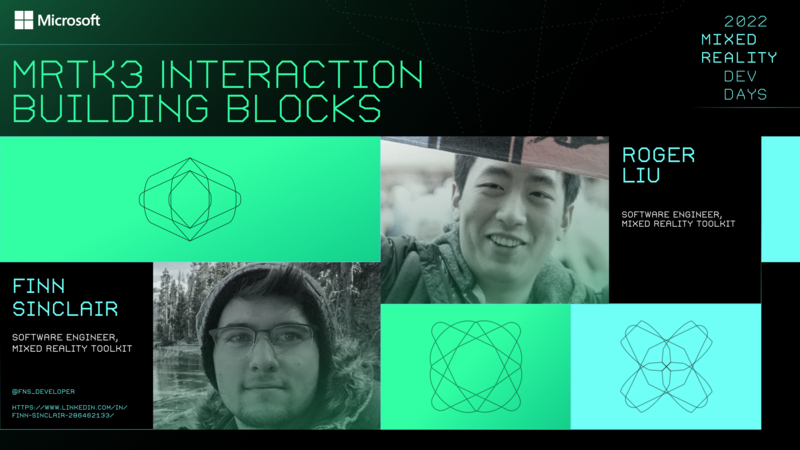
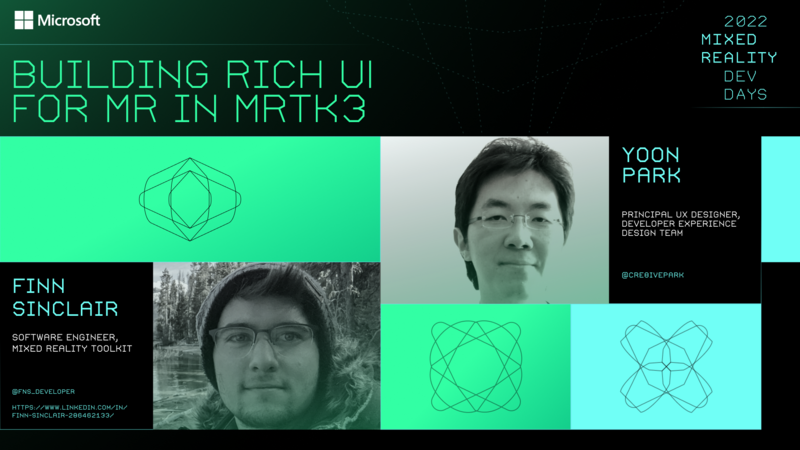
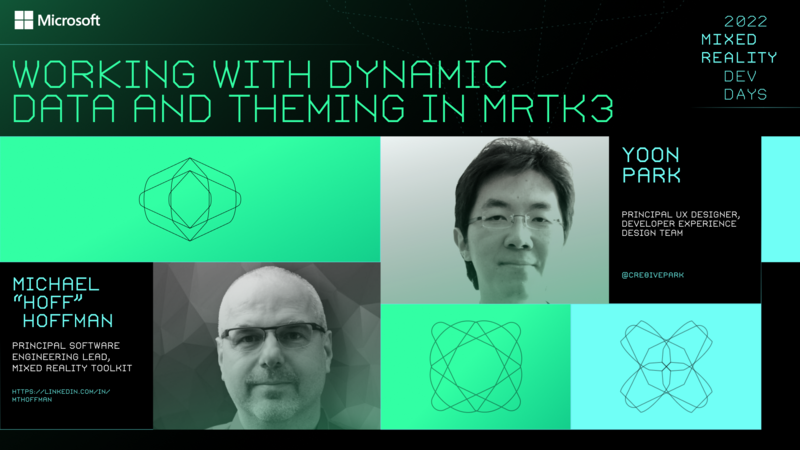
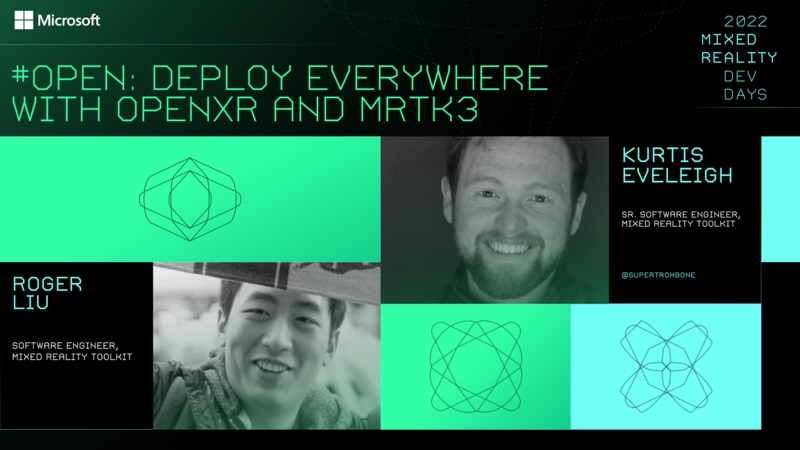
Session videos from Microsoft Mixed Reality Dev Days 2022
Versioning
In previous versions of MRTK (HoloToolkit and MRTK v2), all packages were released as a complete set, marked with the same version number (ex: 2.8.0). Starting with MRTK3 GA, each package will be individually versioned, following the Semantic Versioning 2.0.0 specification. (As a result, the ‘3’ in MRTK3 is not a version number!)
Individual versioning will enable faster servicing while providing improved developer understanding of the magnitude of changes and reducing the number of packages needing to be updated to acquire the desired fix(es).
For example, if a non-breaking new feature is added to the UX core package, which contains the logic for user interface behavior the minor version number will increase (from 3.0.x to 3.1.0). Since the change is non-breaking, the UX components package, which depends upon UX core, is not required to be updated.
As a result of this change, there is not a unified MRTK3 product version.
To help identify specific packages and their versions, MRTK3 provides an about dialog that lists the relevant packages included in the project. To access this dialog, select Mixed Reality > MRTK3 > About MRTK from the Unity Editor menu.

Branch Status
Mixed Reality Toolkit Organization maintains and updates MRTK3. We appreciate your feedback, and you can open bugs and feature request at the Mixed Reality Toolkit for Unity GitHub project.
Contributing
This project welcomes contributions, suggestions, and feedback. All contributions, suggestions, and feedback you submitted are accepted under the Project’s license. You represent that if you do not own copyright in the code that you have the authority to submit it under the Project’s license. All feedback, suggestions, or contributions are not confidential.
For more information on how to contribute Mixed Reality Toolkit for Unity Project, please read the contributing guidelines.
Governance
For information on how the Mixed Reality Toolkit for Unity Project is governed, please read the Governance document.
All projects under the Mixed Reality Toolkit organization are governed by the Steering Committee. The Steering Committee is responsible for all technical oversight, project approval and oversight, policy oversight, and trademark management for the Organization. To learn more about the Steering Committee, visit this link: https://github.com/MixedRealityToolkit/MixedRealityToolkit-MVG/blob/main/org-docs/CHARTER.md