Creating a new scene with MRTK3
The following will walk through through creating an AR/VR ready scene using MRTK3.
- Create a new Unity scene.
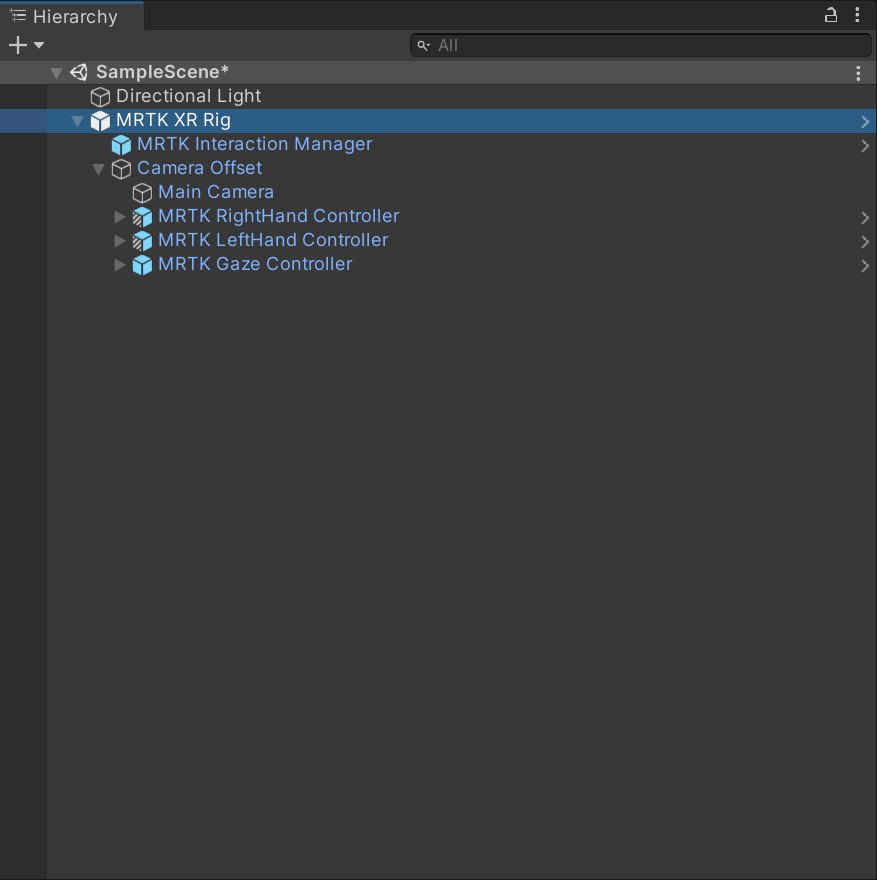
- Add the MRTK XR Rig prefab.
-
Remove the Main Camera GameObject because MRTK XR Rig already contains a camera.
-
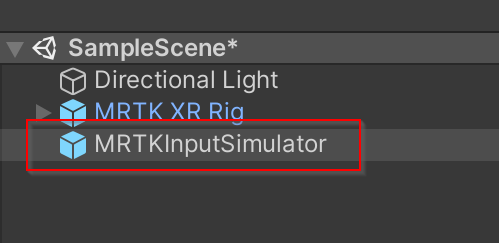
Add the MRTK Input Simulator prefab to your scene.
This step is optional, but required for in-editor input simulation.
Next steps
Once you’ve finished setting up your Unity project, learn how to experience your application on a device.